
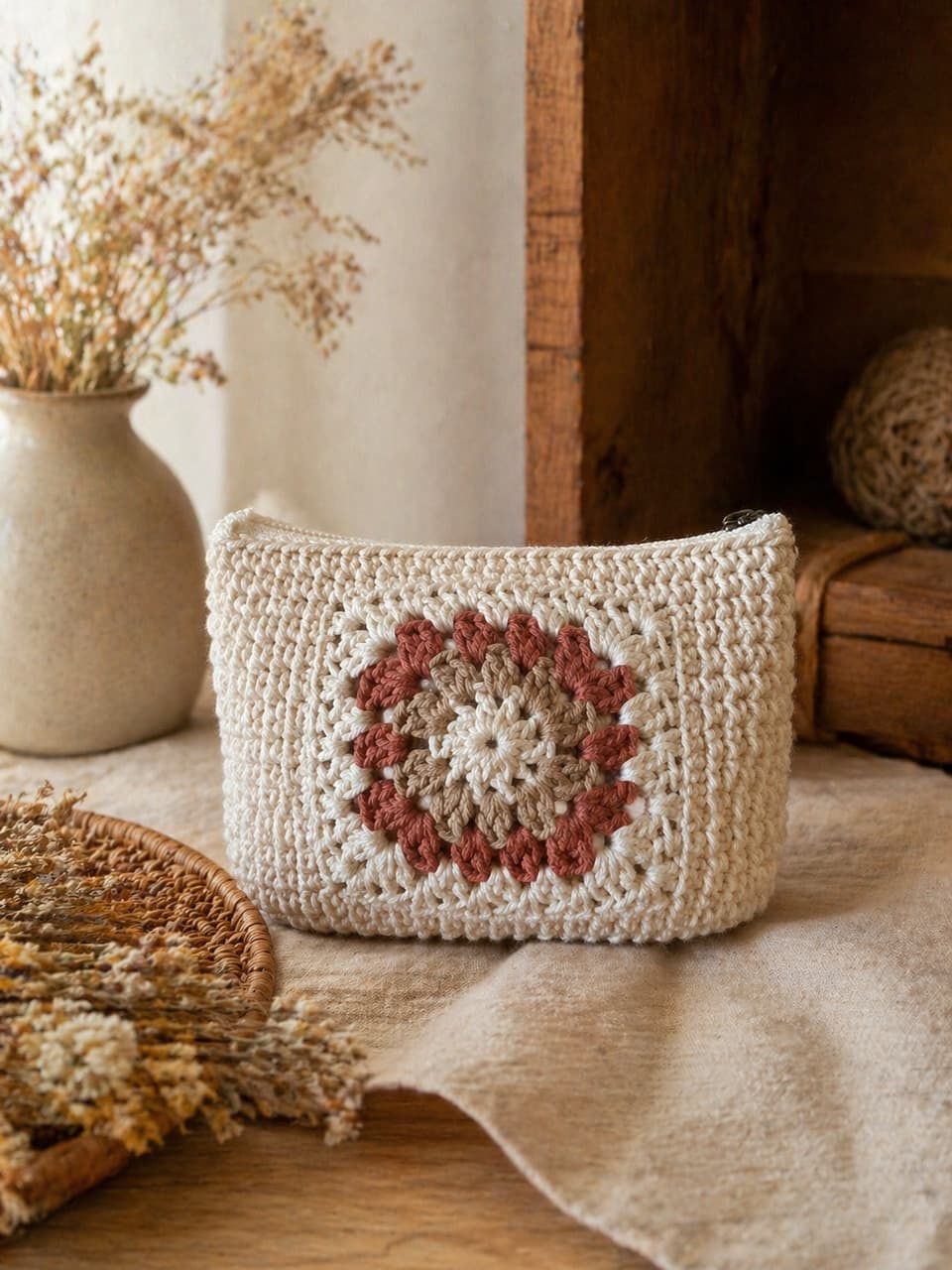
How to build an Etsy listing photo set from one real product photo
An Etsy listing rarely fails because the maker forgot a filter. It fails because the shopper cannot answer five questions fast enough:
- What exactly am I buying?
- What does it look like in a real room or on a real person?
- Is it giftable?
- What are the materials, size, or care notes?
- Can I trust that the photo matches the object in the box?
You do not need a studio day to answer those questions. You need one truthful source photo and a small, deliberate set.
CraftShot is built for that workflow: create a complete Etsy listing photo set from one real upload, then review every frame before it goes live.
Start with a source photo you would ship against
The source image is not a mood board. It is the contract with the buyer.
Use a photo of the exact item you will pack. A kitchen-table shot is fine if these details are visible:
- Silhouette and proportions
- Label, stamp, tag, or handwriting
- Color, not a cast from a yellow bulb
- Texture: glaze breaks, knit tension, wax surface, metal finish
- Any detail a buyer would notice in person
Do not start from a heavily cropped, filtered, or composite image. If the source already invents the product, every generated scene will invent it again.
Build the set by listing job, not by “more pretty pictures”
Etsy’s create-a-listing help page says you can add up to 20 photos, not an older limit of ten. You do not need 20 invented angles. You need a few jobs done well. The size notes and the practical set are in how many photos an Etsy listing should have.
1. Cover / main image
This is the inspection photo. Shoppers compare it in search and in your shop grid.
Keep the background quiet. Keep the product large enough to read. Do not hide the label behind steam, flowers, or a dark crop.
2. Lifestyle scene
This answers “where does it belong?” A candle on linen, a pouch on a desk, a mug at breakfast, a necklace against warm fabric.
The scene can change. The product cannot. If the jar gets taller or the glaze turns a different green, the photo is no longer useful.
3. Gift-ready shot
Many handmade purchases are gifts. Show ribbon, kraft, a box, or a quiet seasonal surface. Keep the product as the subject. A beautiful table that swallows the item does not help conversion.
4. Social crop
Square or vertical crops help you announce a restock, a market day, or a seasonal drop. These can be bolder than the cover image, but they still have to match the listing.
5. Graphic product post
Use this when the photo cannot say the thing out loud: wax weight, chain length, scent notes, care, or “made to order.” One idea per image. Graphic posts should explain the real product, not decorate a different one.
If you sell candles or jewelry, swap in the details that category actually needs. A candle shopper needs the label. A jewelry shopper needs the clasp, stone, and metal tone.
What one photo can and cannot do
Be honest with yourself and with the buyer.
From one clear photo you can change lighting, background, and composition around the same visible product.
You cannot invent:
- The back of a piece you never photographed
- A size comparison that was not in the frame
- A second colorway you do not stock
- A texture or stamp that was not on the object
If you already have a real scale shot, a process shot, or a second angle, keep those. Generated scenes fill the lifestyle and gift gaps. They should not replace evidence you already have.
A review pass before you hit Publish
Open the set next to the physical product, or at least next to the source file, and ask:
- Same shape?
- Same label and visible marks?
- Same color?
- Same texture?
- Would I be comfortable if this arrived to a picky buyer?
If any answer is no, do not publish that frame. Generate again, or keep the honest source photo in that slot.
A lean first set
For most handmade listings, this is enough to launch:
- One clean main image
- One lifestyle scene
- One gift-ready image
- One social crop
- One graphic post with a single selling fact
That is a listing set, not a random gallery. You can build it in the CraftShot workspace and only spend credits when you are ready. Pricing stays simple: generate the frames you need, not a full shoot you do not have time for.
Same product. Better photos. That is the whole job.