Make candle photos feel warmer without changing the jar.
CraftShot turns one real candle photo into a listing-ready set: clean main images, cozy lifestyle scenes, gift-ready packaging, social crops, and graphic posts while preserving the jar, label, wax color, and handmade texture.
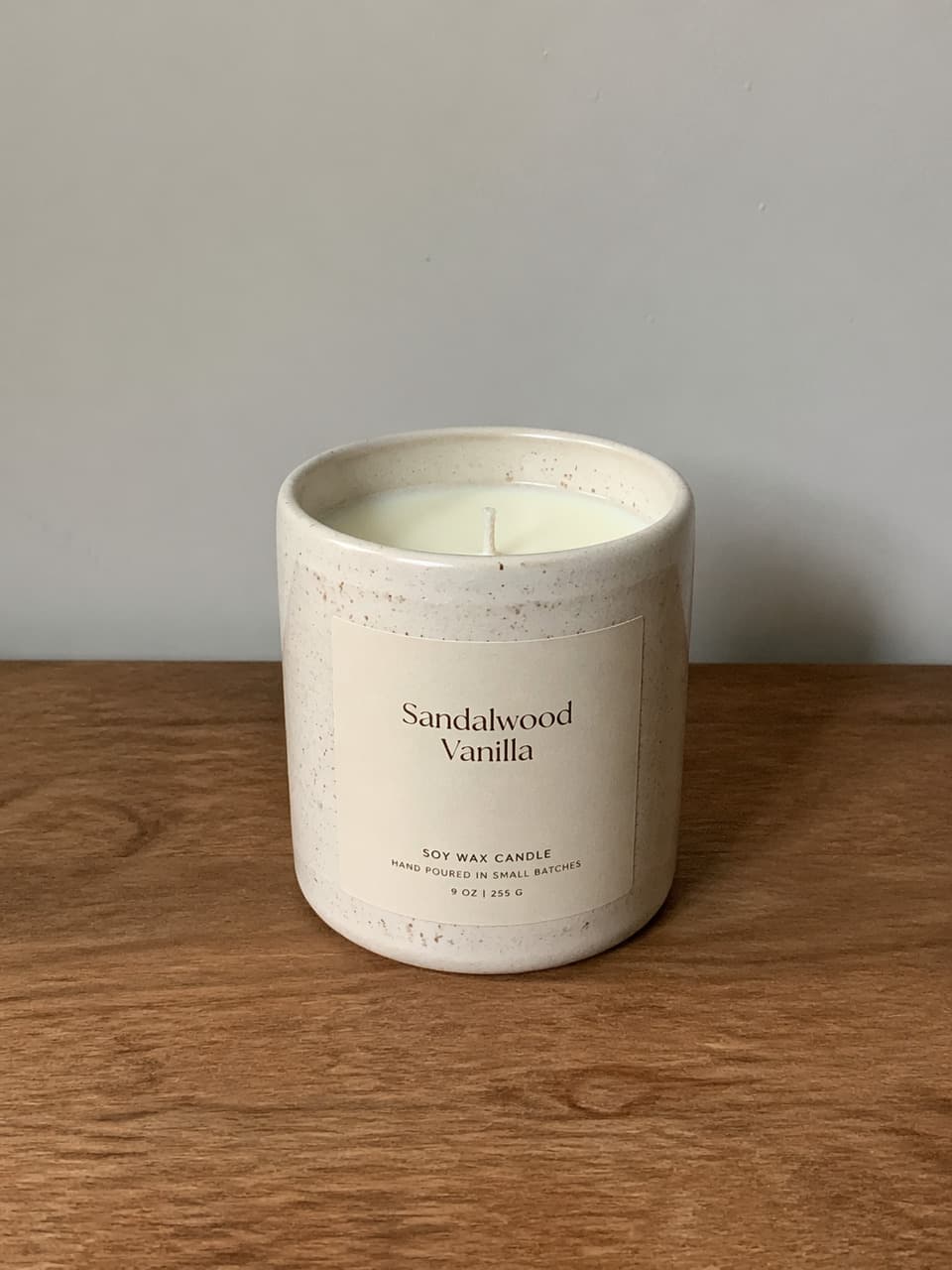
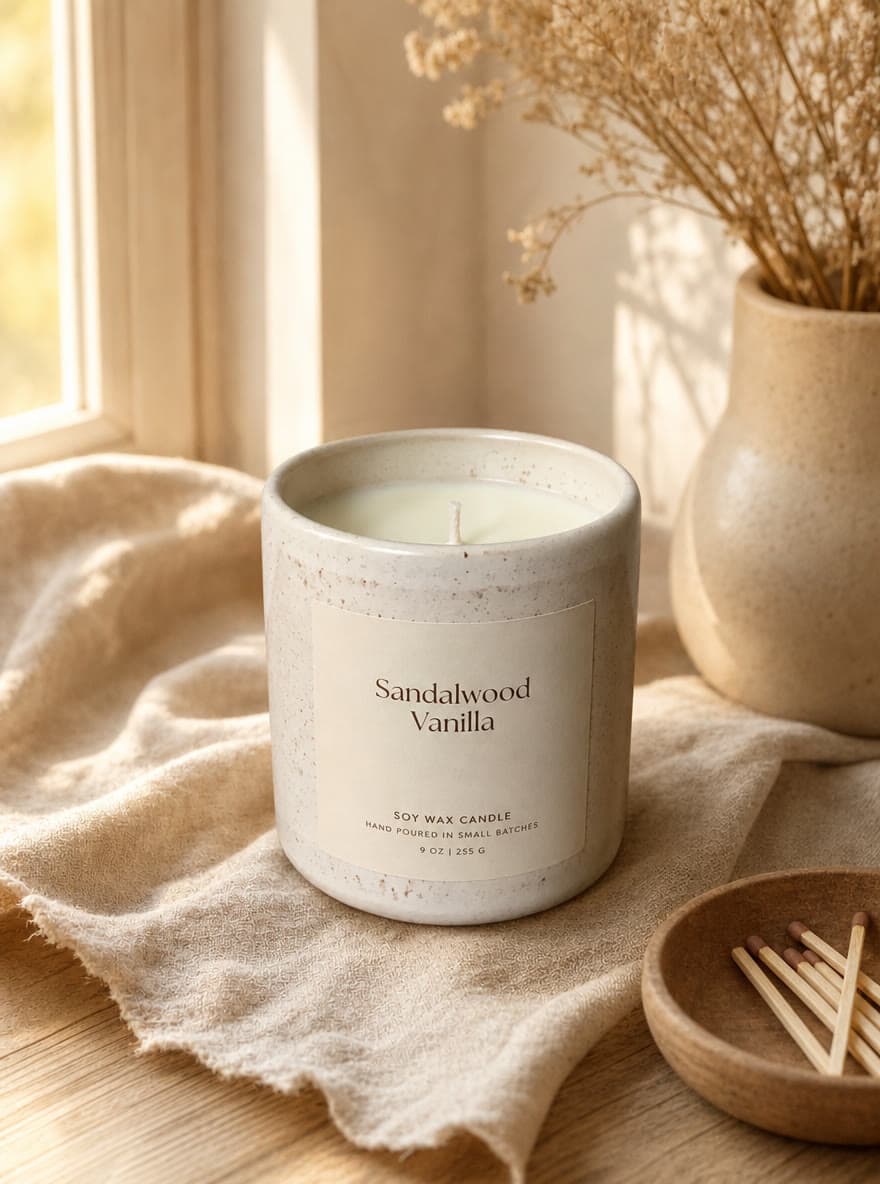
A plain table photo can become a warmer selling scene when the candle label, jar shape, wax color, and scale remain consistent.
Candles sell through mood and clarity.
A candle buyer wants to read the label and imagine the scent, setting, and gift moment.
Clean main image
Keep the label readable and the jar easy to inspect for marketplace listings.
Cozy lifestyle scene
Use linen, wood, warm light, dried flowers, and quiet props to suggest scent and atmosphere.
Gift and social assets
Show packaging and create square or vertical crops for launches, restocks, and seasonal campaigns.
Build a candle launch set from one photo.
Use one clear source image, then generate the supporting images a shopper needs before buying.
Upload the jar clearly
Start with a photo where the label, lid or rim, wax color, and jar material are visible.
Choose the mood
Pick clean, lifestyle, gift, social, or graphic depending on whether the image needs inspection, atmosphere, or explanation.
Check label and scent cues
Make sure the candle name, label placement, color, and scene props still match what you sell.
Candle photo checklist
Candle photo questions
Can CraftShot keep my candle label readable?
It is designed to preserve visible product details, but you should always review generated labels before publishing. Use clear source photos for the best results.
What candle scenes work best?
Warm lifestyle scenes, gift-ready packaging, and clean listing images work especially well for handmade candles because shoppers buy both the product and the mood.
Can I make graphic scent-note posts?
Yes. The graphic style can create product information posts with scent notes, benefits, gift cues, and simple callouts.
Related use cases
Create the candle images your shop needs next.
Use CraftShot to move from a plain candle source photo to a fuller set of listing, lifestyle, gift, social, and graphic images.
Generate candle photos