Turn one jewelry photo into a polished selling set.
CraftShot helps handmade jewelry sellers create listing images, on-model styling, gift-ready scenes, detail shots, and graphic posts while keeping the pendant, chain, metal tone, and stones recognizable.
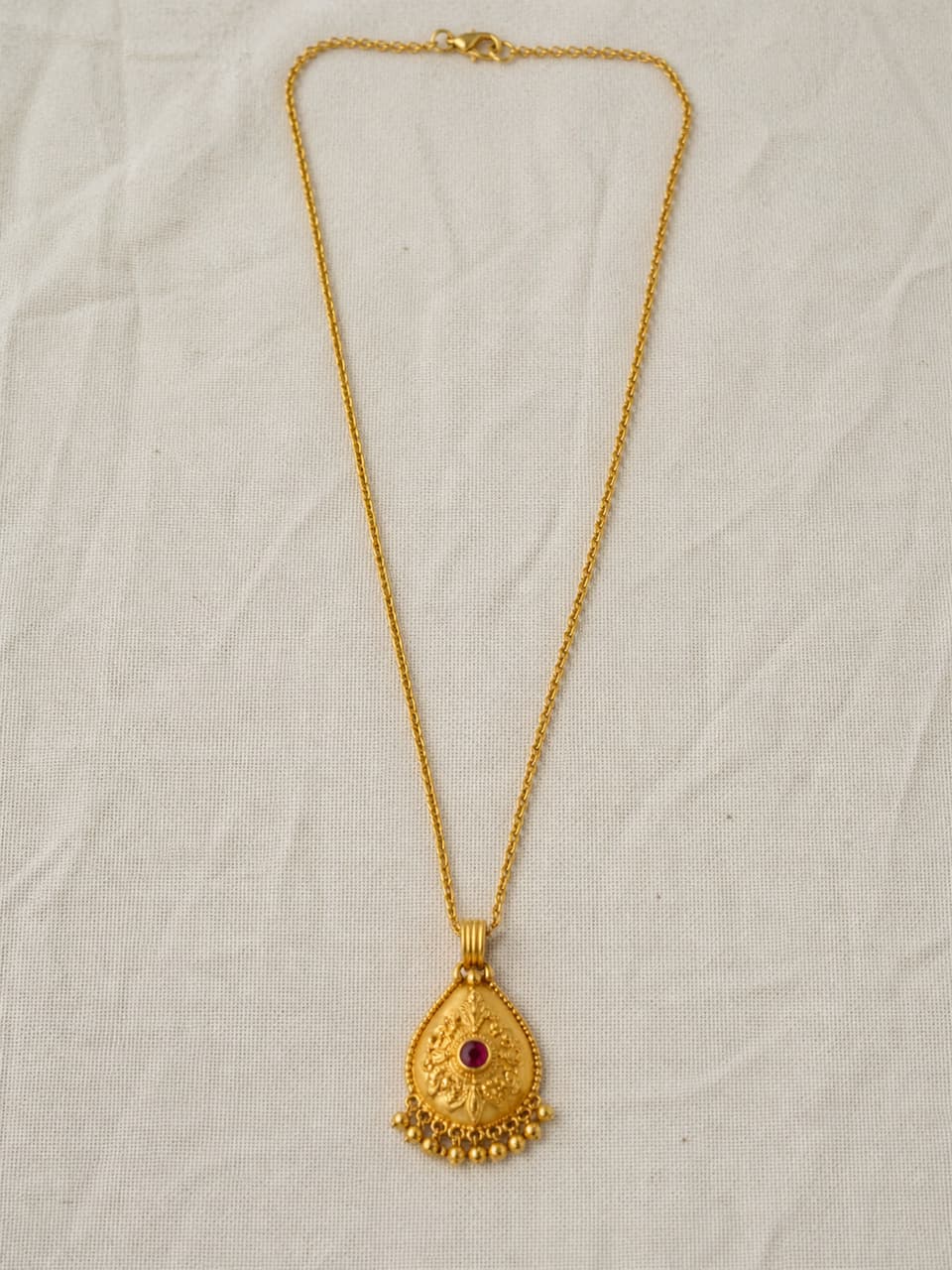
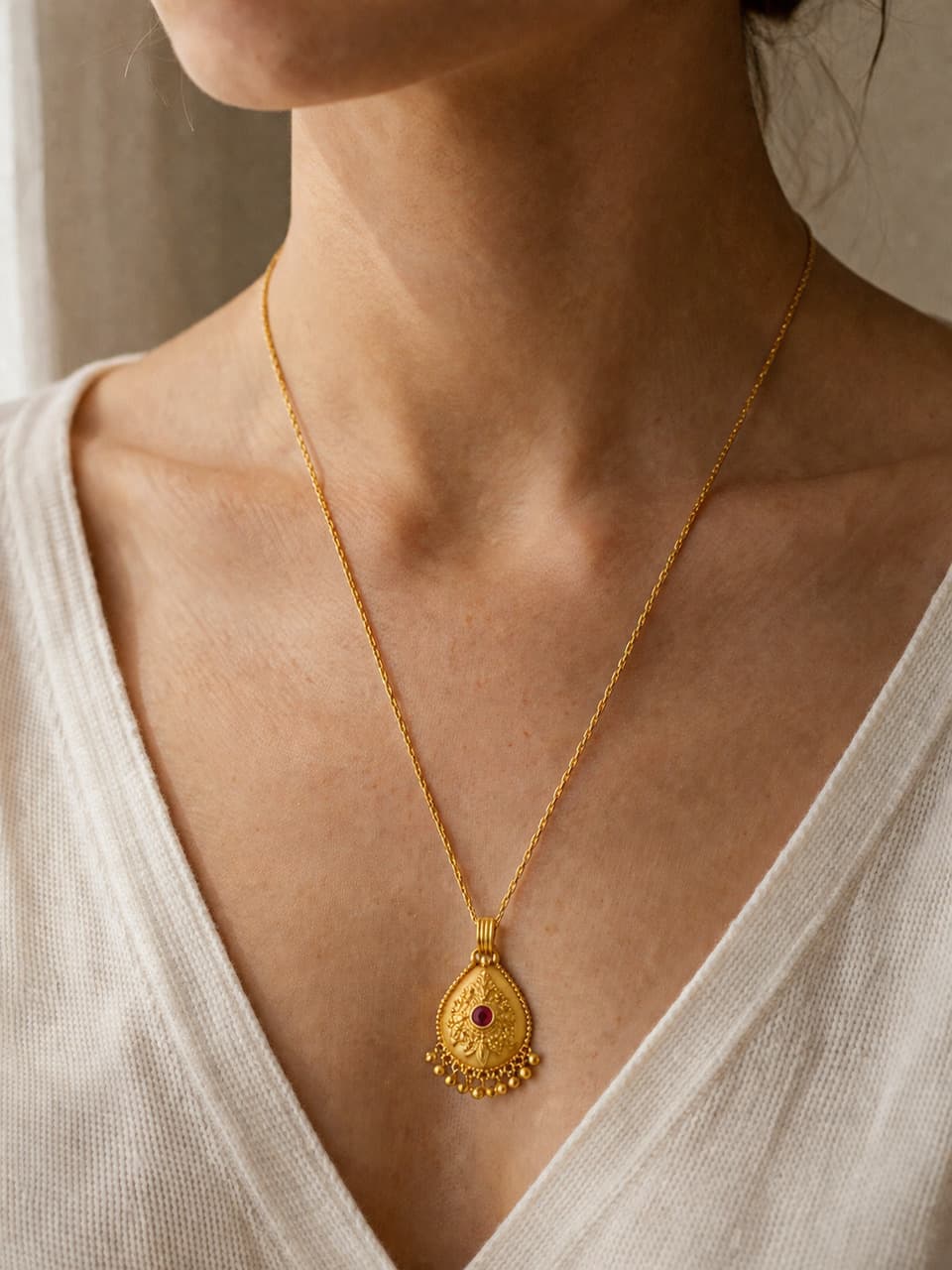
A plain necklace source photo can become a more useful selling image, as long as the pendant shape, chain, and metal color still match the real piece.
Jewelry needs more than one pretty image.
Shoppers need to inspect details, understand scale, imagine styling, and feel the piece is giftable.
Clean listing
Use soft neutral surfaces when shoppers need to compare metal tone, pendant shape, and finish.
Worn styling
Show scale and styling context with skin-tone warmth, silk, fabric, or soft daylight.
Detail and gift shots
Create close crops for texture and gift-ready scenes for boxes, velvet, ribbon, and small-shop packaging.
A jewelry workflow that starts with the real item.
The source image anchors the product. The generated images should improve the scene around it, not redesign the piece.
Upload a clear source
Use a photo where the pendant, chain, clasp, stones, and metal tone are visible.
Choose the selling job
Pick clean, worn styling, gift, detail, or graphic depending on the image your listing needs next.
Review the details
Check chain shape, stone color, pendant scale, and reflections before using the image commercially.
Jewelry photo checklist
Jewelry photo questions
Can CraftShot create photos of jewelry being worn?
Yes. The jewelry workflow includes worn styling for scenes where a necklace or pendant appears on a person, while still using the uploaded product photo as the reference.
Is this only for necklaces?
No. It works best with clear photos of necklaces, earrings, bracelets, rings, charms, and other small handmade jewelry pieces.
What should I check before publishing an AI jewelry photo?
Check the pendant shape, stone placement, chain, metal color, scale, and any engraved or handmade details. A beautiful scene is only useful if the product still matches the real item.
Related use cases
Create a jewelry set from one real photo.
Start with your actual piece, then build the images shoppers need to inspect, imagine, save, and buy.
Generate jewelry photos