Turn product details into a scroll-friendly graphic post.
Some selling points are not obvious from the photo alone. CraftShot can keep the real product visible while adding readable callouts for materials, size, care, scent notes, gift benefits, or everyday use.
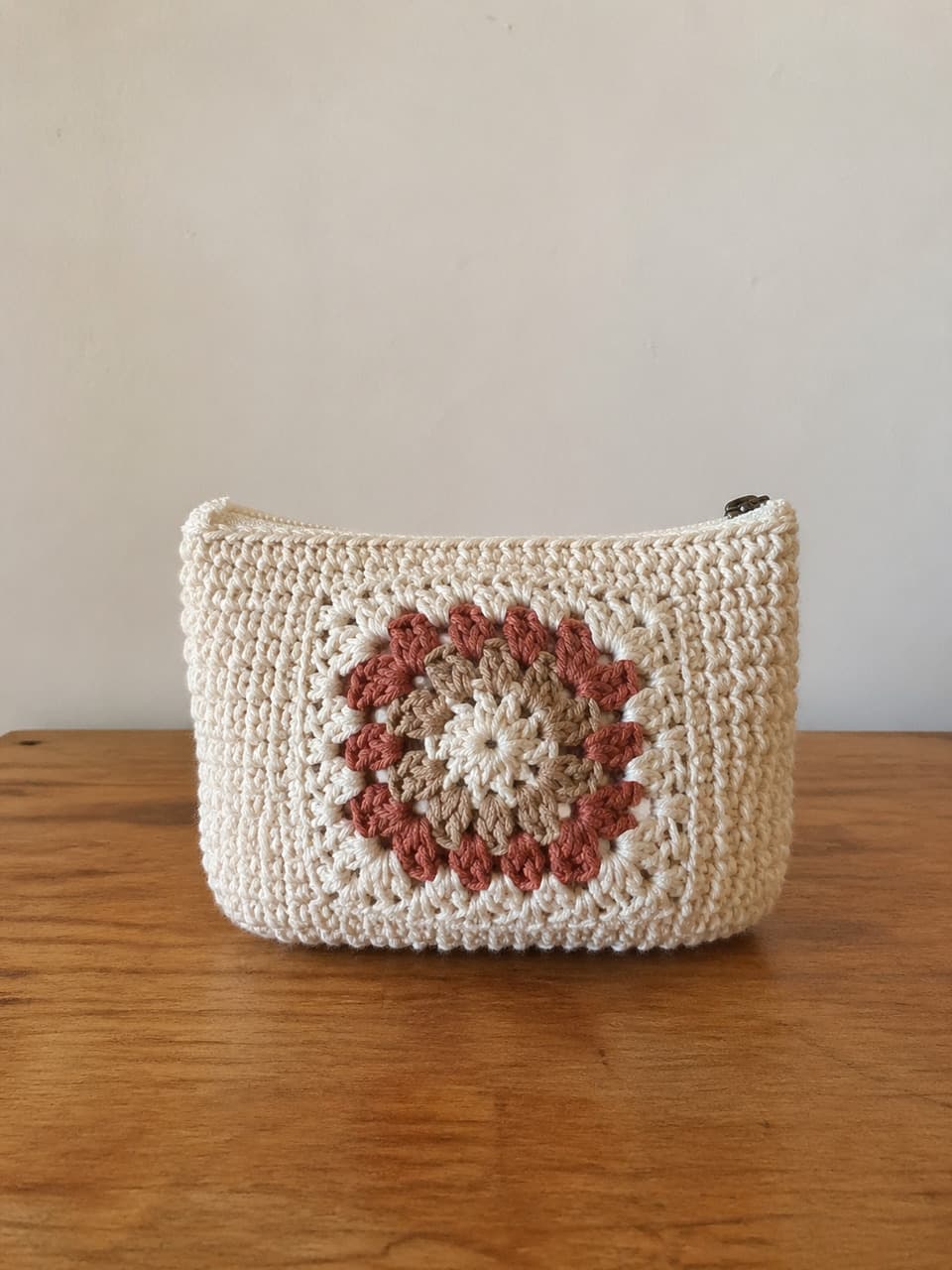
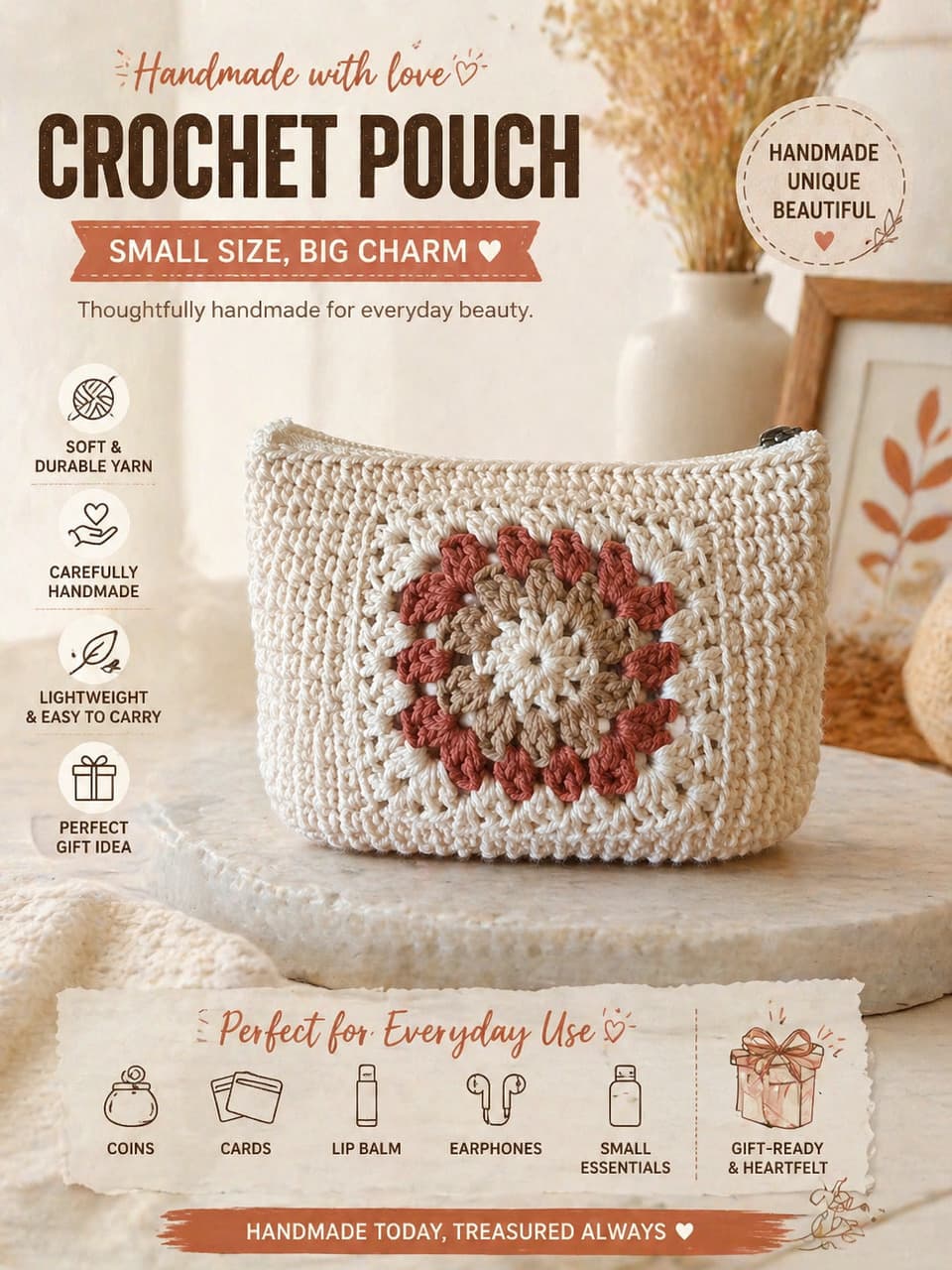
A graphic post should explain one buying reason clearly. It should not bury the product under decorations or unreadable text.
Use graphic posts when the image needs words.
A product photo shows the item. A graphic post helps shoppers understand why the item matters.
Materials
Call out cotton yarn, soy wax, glaze, gemstone, leather, botanicals, or other tactile details.
Benefits
Explain compact carry, gift-ready packaging, skin feel, daily use, scent notes, or care advantages.
Social education
Create scroll-friendly product explainers for launches, restocks, seasonal offers, and shop stories.
Make the text support the product, not compete with it.
The best graphic posts are focused. One image should make one product promise easier to understand.
Upload the product
Start with a clear image where the product can still be the visual anchor.
Add only useful details
Provide product name, material, size, scent, price, care note, or one clear selling point when helpful.
Review readability
Check that text is short, visible, and not pretending to be a platform UI, watermark, or screenshot.
Graphic post checklist
Graphic product post questions
What should I write in the graphic info field?
Use concise facts: product name, material, scent, size, care instructions, gift benefit, offer, or one main selling point. Empty is also fine if you want the default style.
Are graphic posts good for main listing images?
Usually they work better as supporting images or social content. Use a clean product photo for the main inspection image.
Can CraftShot create fake app-style posts?
The graphic style is intended for product explainers, not fake platform UI. Avoid logos, usernames, like buttons, watermarks, or screenshots that could mislead shoppers.
Related use cases
Create a graphic post that makes the product easier to buy.
Keep the handmade product visible, then add the few words shoppers need to understand the material, use, or gift value.
Create a graphic post