Create Etsy-ready images without a full photoshoot.
CraftShot helps handmade sellers turn one real product photo into a practical Etsy listing set: clean main image, lifestyle scene, gift-ready shot, social crop, and graphic product post while keeping the actual product recognizable.
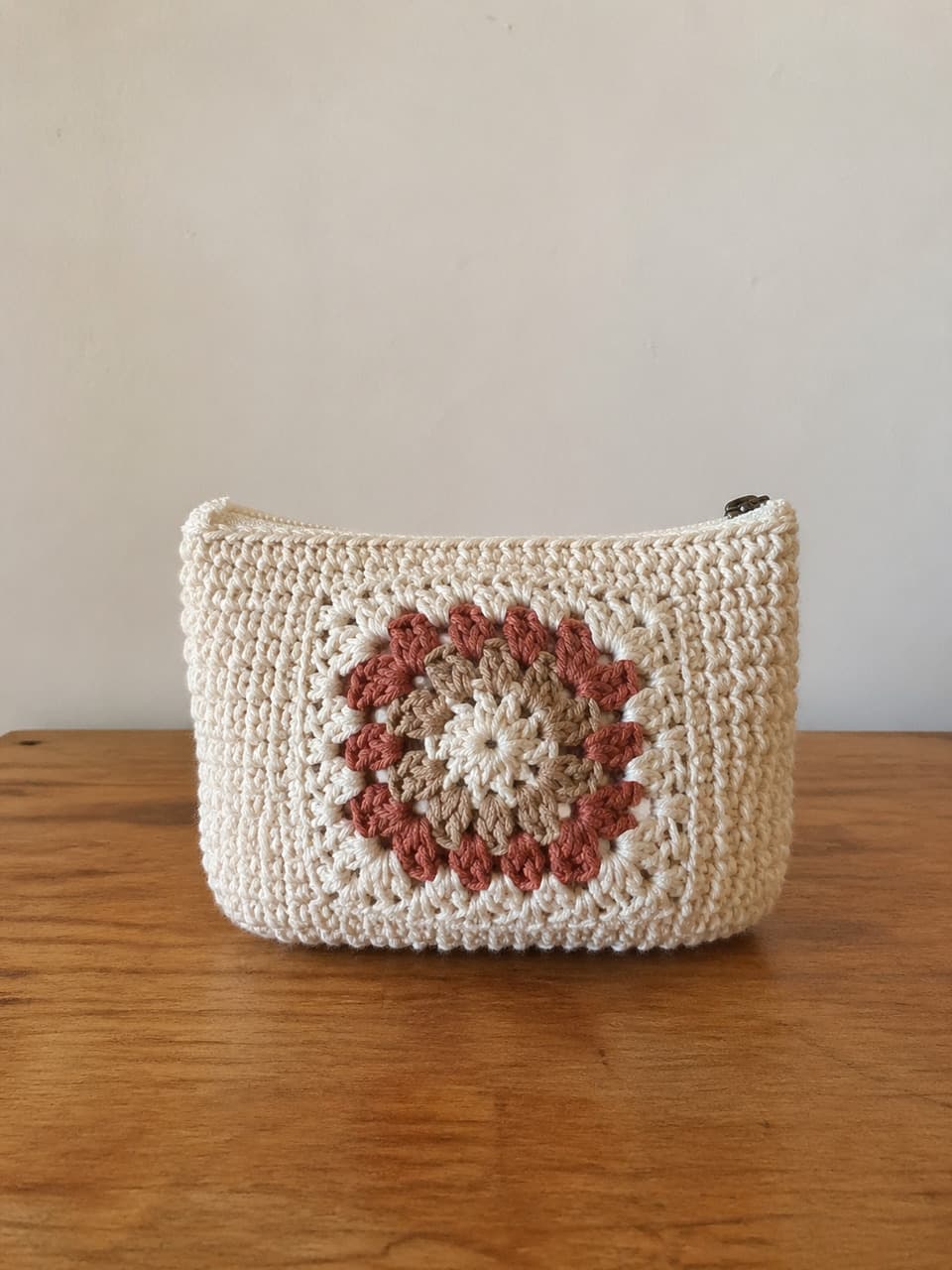
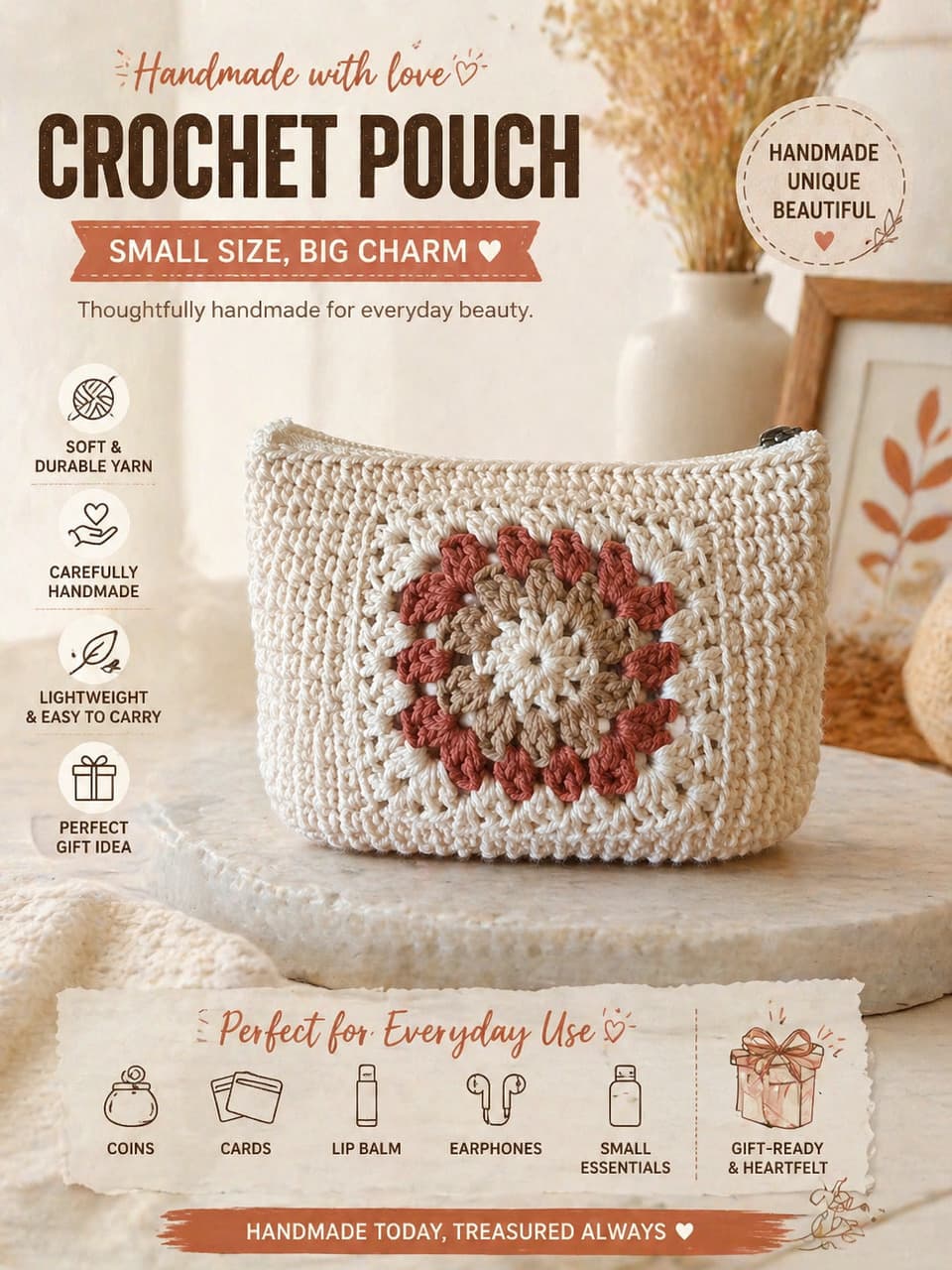
Etsy listings need more than a single product shot. A useful set helps shoppers inspect, imagine, compare, save, and understand the product.
The images an Etsy shopper expects to see.
A strong listing gives evidence from different angles of intent, even if you start with one source photo.
Inspection
Clean photos help shoppers check shape, color, texture, label, and handmade detail.
Imagination
Lifestyle and gift-ready scenes show how the product fits into a room, outfit, package, or moment.
Explanation
Graphic posts can call out materials, size, scent notes, care instructions, or gift benefits.
A lean Etsy photo set from one upload.
Use CraftShot to build the first pass of your listing visuals, then review every generated image before publishing.
Use a truthful source
Start with a clear photo of the product you actually sell, not a heavily filtered or cropped image.
Generate by listing job
Create one image for inspection, one for context, one for gift value, and one for product information.
Keep the set consistent
Make sure the same product appears across the set, with no changed labels, colors, proportions, or missing details.
Etsy-ready photo checklist
Etsy product photo questions
Does CraftShot publish directly to Etsy?
No. CraftShot creates listing-ready images you can review, download, and use in your shop workflow. It does not need direct Etsy account access.
Can AI product photos be used for handmade listings?
They can be useful when they accurately represent the real product. You should review generated images carefully and avoid publishing anything that changes the item you sell.
What image should I upload first?
Use the clearest real product photo you have. A simple table photo is fine if the product shape, material, color, and important details are visible.
Prepare the next Etsy listing set from one photo.
Upload a real product image, choose the selling jobs your listing needs, and keep the product itself consistent across the set.
Create Etsy photos